
The school newsletter that doesn't feel like homework
Every teacher's update, gathered into one newsletter. You approve it — then AssemblyNote personalizes it for every family and sends it.
Free during the pilot · Starts from a roster spreadsheet you already have
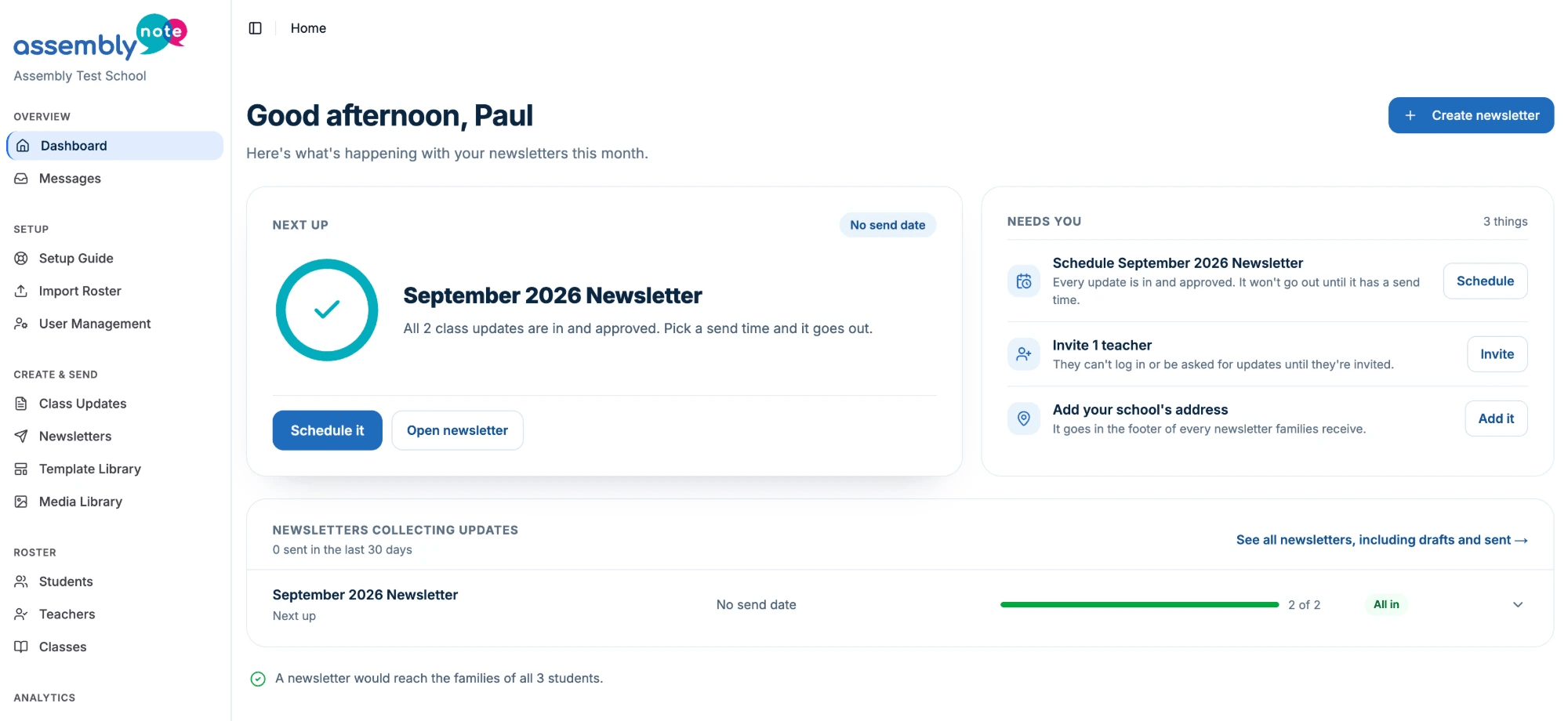
From six emails a week, to one.
Families aren't ignoring you — they're overloaded, and the message that matters gets buried with the rest.
From the principal — Homecoming Friday, and picture-day forms are due.
English 3 · Ms. Rivera — reading due Friday.
Alg 2/Trig · Mr. Denni — quiz moved to Monday.
From roster to inbox in three steps.
Start with a CSV from your SIS — or any roster spreadsheet
Upload your student schedule to AssemblyNote. We match the columns and show you exactly what changes — nothing saves until you say so.
Download an example CSV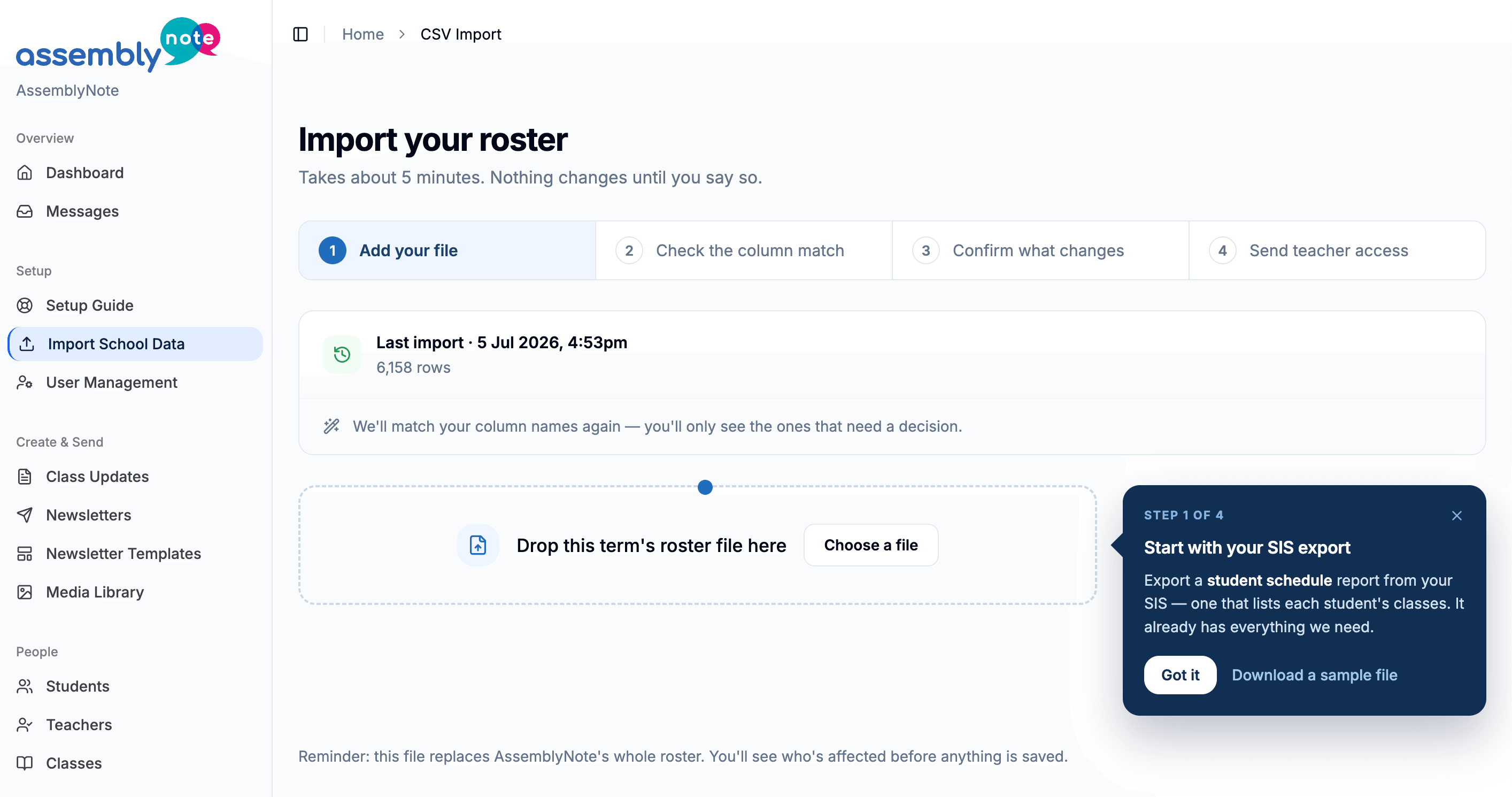
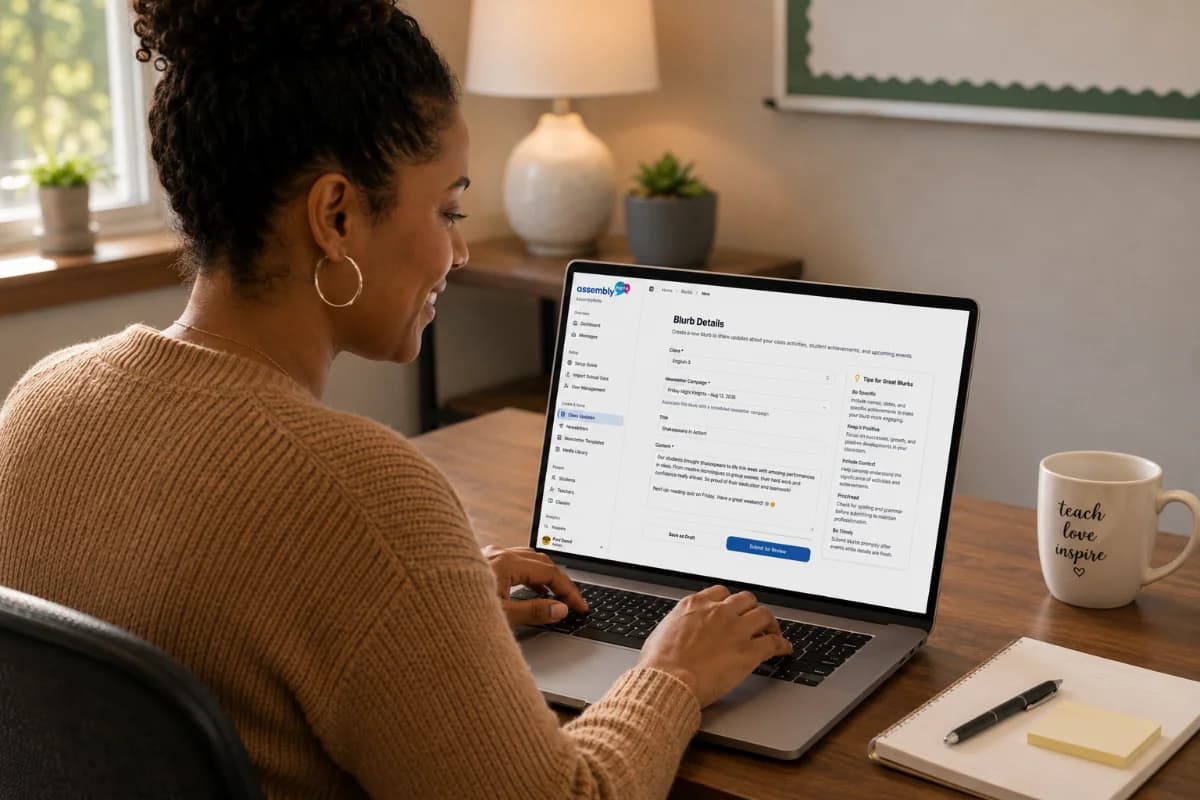
Teachers write. You set the due date.
Teachers just reply to the reminder email, and AssemblyNote files their update in the right newsletter. Nothing new to learn.
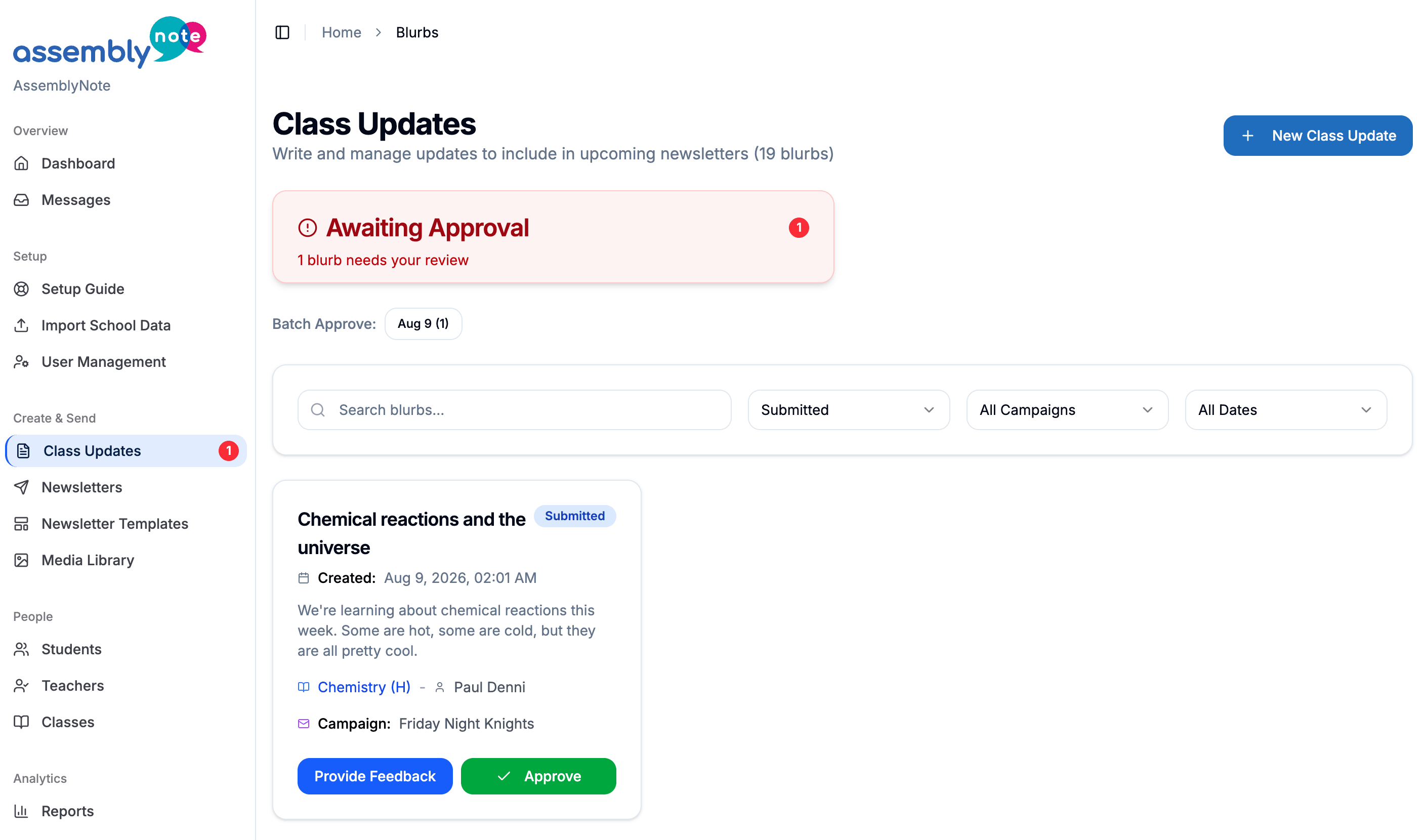
Approve the updates, build the newsletter, send it
Approve what came in, then send it or schedule it.
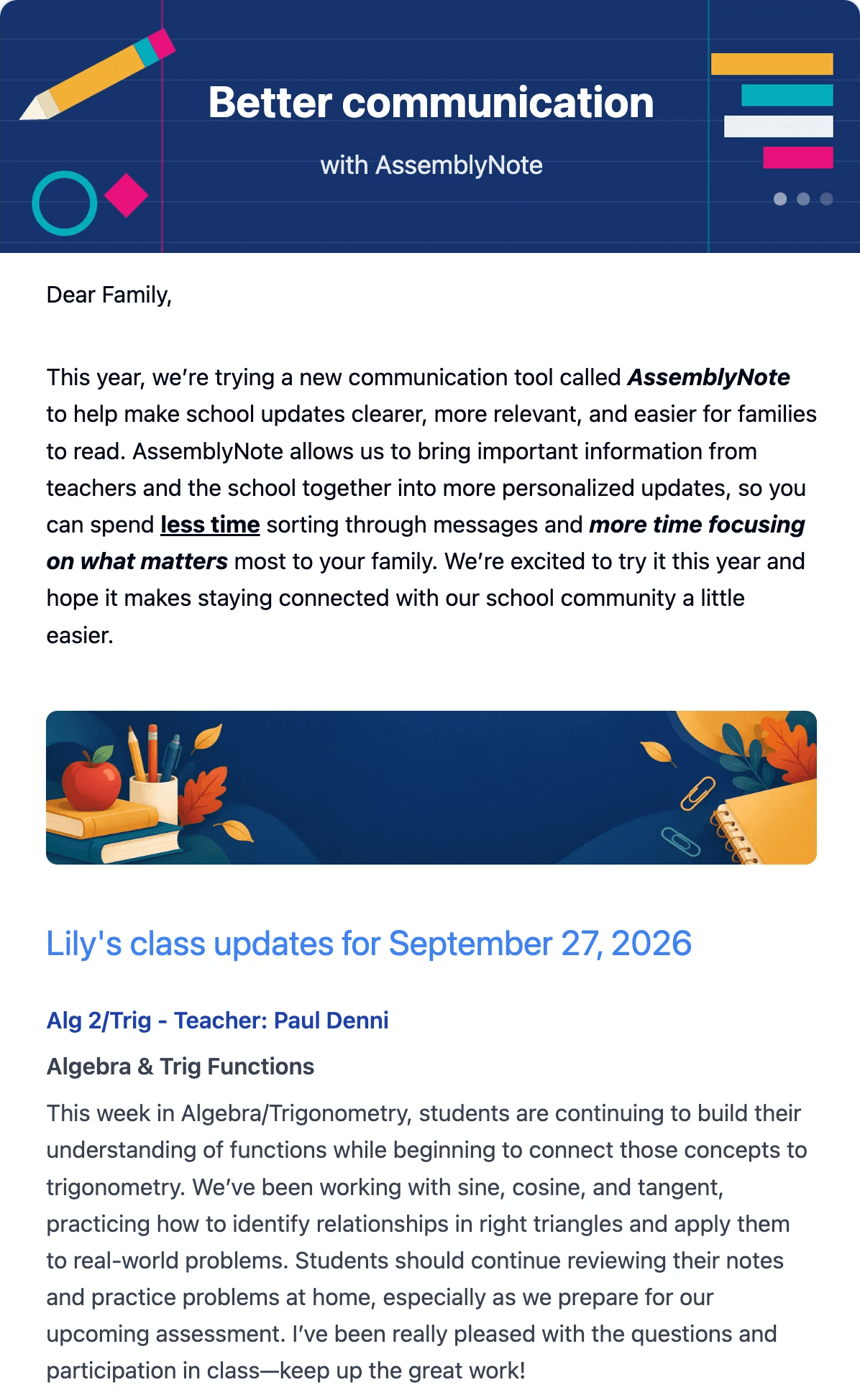
Every student gets a newsletter tailored to them.
Add the things everyone should hear — a note from the principal, a date for the calendar, school-wide news. Each family still gets only the class updates that apply to their own student.
- Arrives as ordinary email
- No logins for families — just an email address
- Preview exactly what one family will get

The people who know your kids already write the good bits.
AssemblyNote just stops that work from being retyped, reformatted and lost.
Then you can tell whether it worked.
Reach, teacher participation and delivery — the things you'd otherwise be guessing about the morning after a send.
See it on your own roster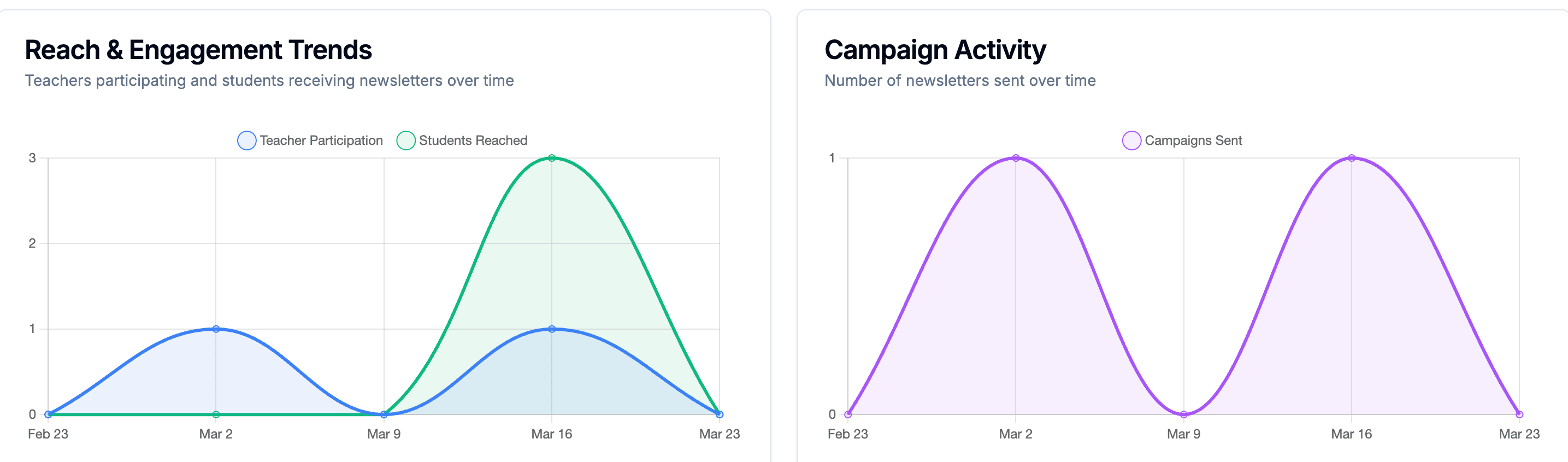
The ones we get asked first.
Get your next newsletter out in an afternoon.
Setup takes about ten minutes, and we'll do it with you, roster import included.